
Your apps, unified
Your space, simplified
A blend turns scattered apps into building blocks you combine on one canvas.
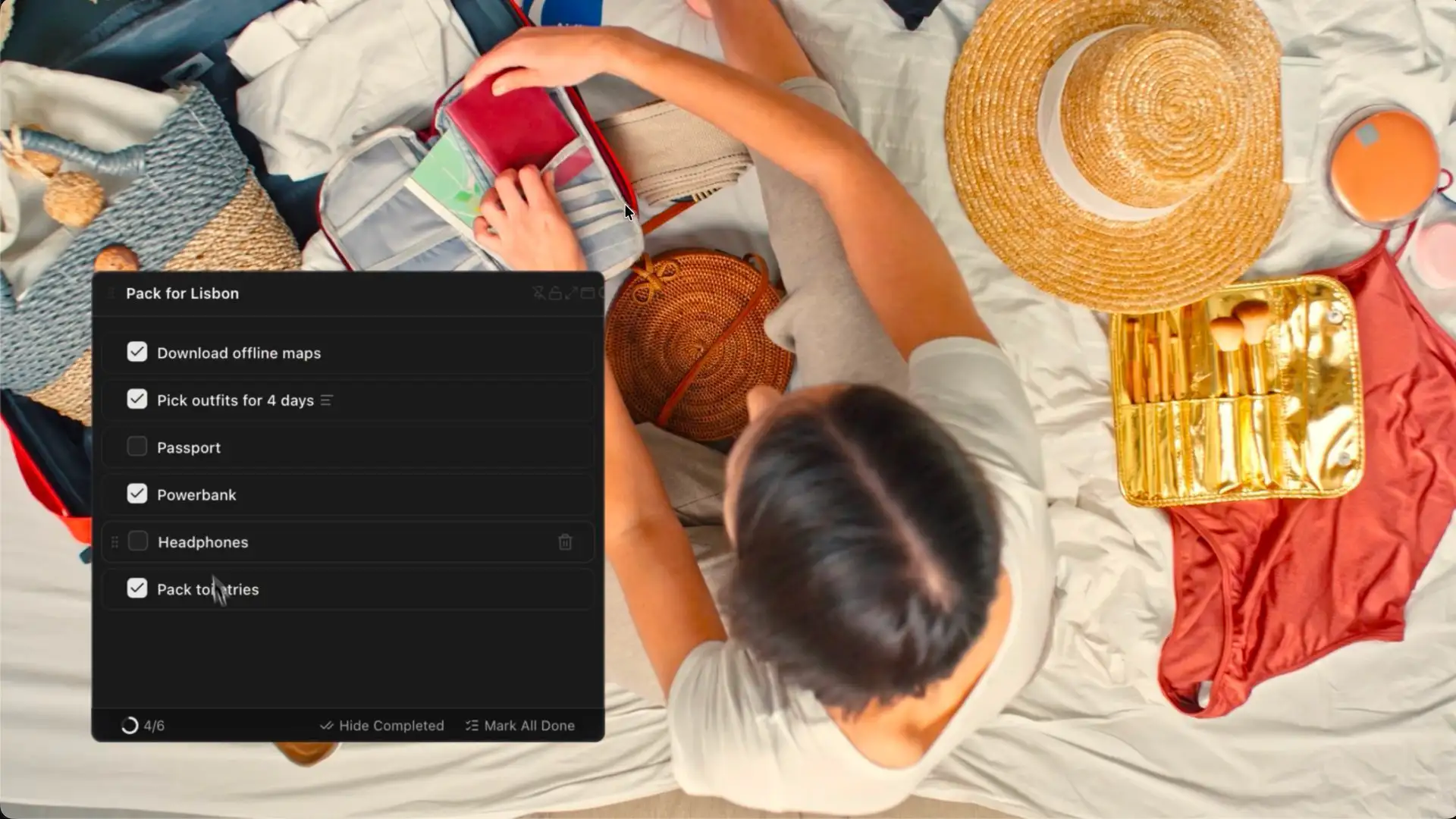
Turn an idea into a blendin minutes
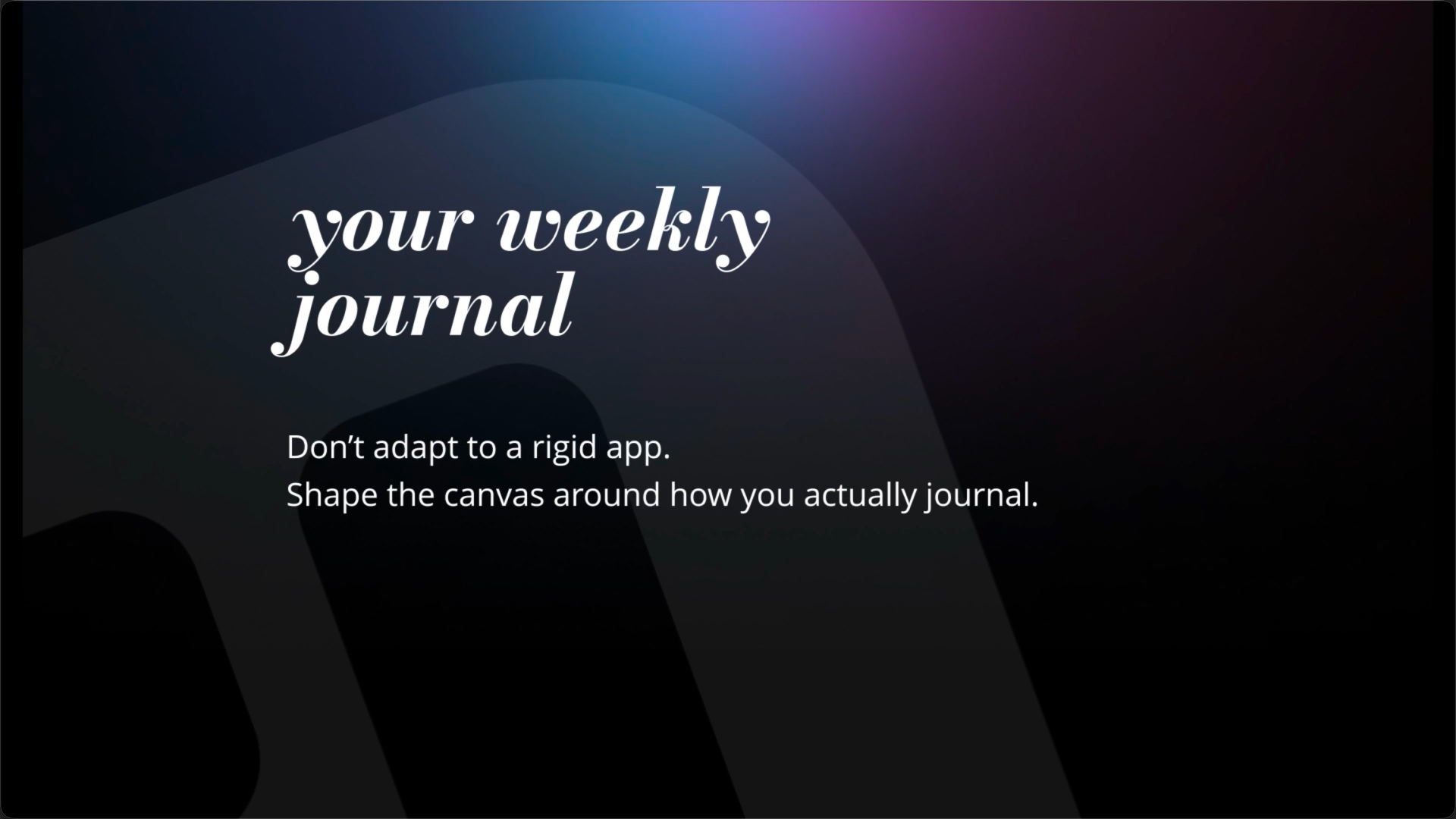

Simple pieces,
powerful combinations
Each block does one thing well. Put them together and they become your blend.
Make it yours

Content from Wikipedia® under CC BY-SA 4.0



Share what you're building
Publish the full blend or a single block. Each gets a clean link you can send anywhere.
Common questions,
clear answers.
Blend is a personal dashboard you build yourself. It is a simple space where you can combine blocks (notes, lists, boards, embeds) into one page that matches how you work.
A Blend is the page or dashboard. Blocks are the pieces you add to it, like a Note, Todo list, Kanban board, Image, or Embed.
Yes. Blend is currently in free beta. If pricing changes in the future, you will get a clear heads-up before anything becomes paid.
No. Blend runs in your browser. Just sign in and start building.
Daily planning, project boards, personal notes, a lightweight wiki, a bookmark hub, or a single “home base” for the things you check every day. You can keep it minimal or build something more powerful over time.
Blend includes a growing set of core blocks like Note, Text, Todo, Bookmark, Wiki, Image, Embed, Kanban Board, and Now (time).
Yes. Your blends are private by default. You choose what to share, and you can turn sharing off any time.
You can share a full Blend or a single block with a link. Anyone with that link can view it, but they can’t edit it. If you don’t want something to be seen by others, keep it private.
Ready to unify
your digital life?
Join thousands of people who've already simplified their workspace. Free forever for personal use.
Free forever for personal use · No credit card